
Embracing the Tailwind CSS way
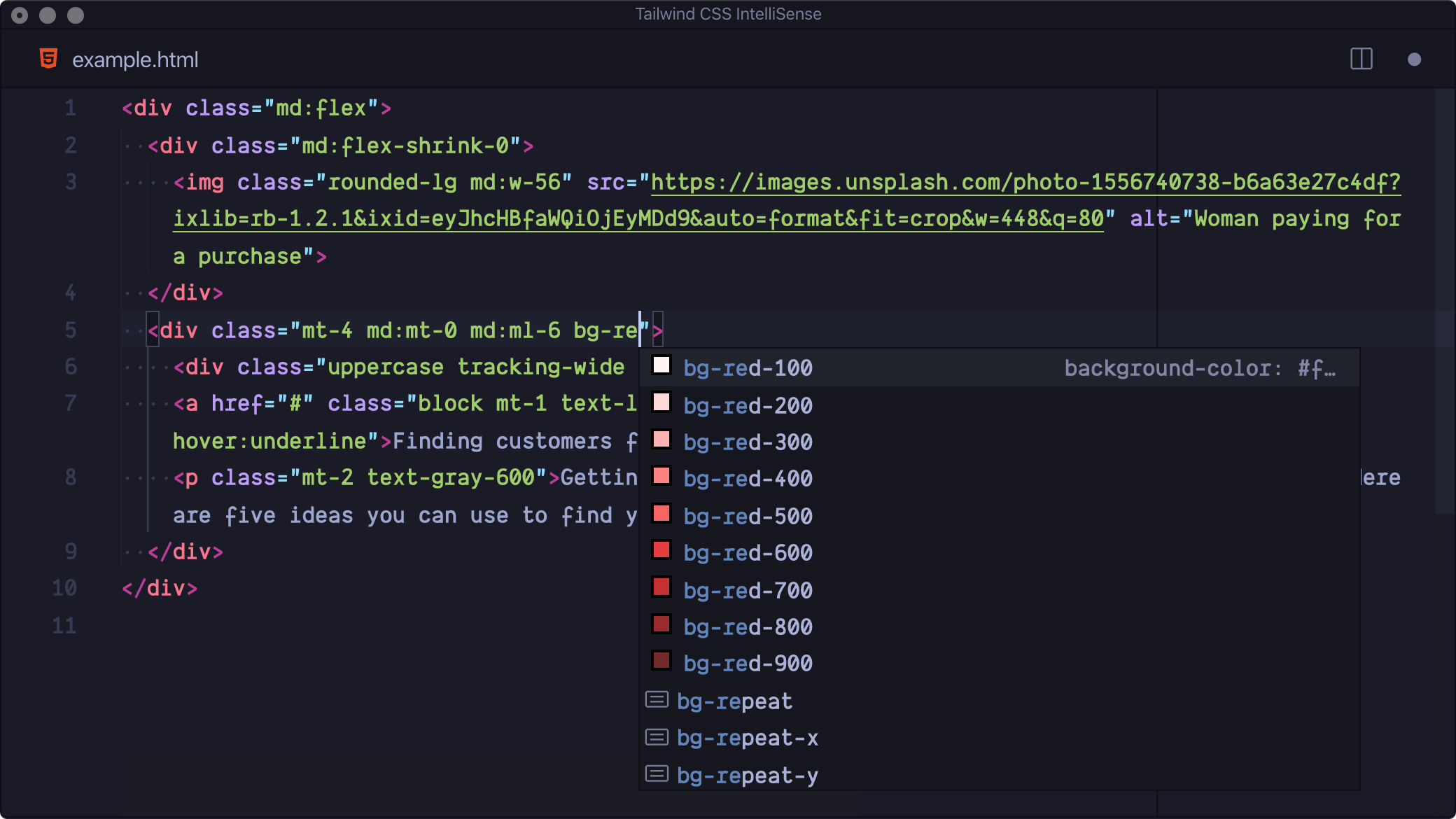
Tailwind CSS divides opinion. Designers and developers either love it or quietly groan when it comes up. It's an open-source utility framework for building interfaces directly in HTML — no separate CSS file, no context switching. There's a solid ecosystem around it too: plugins for typography, Radix colours, aspect ratio and animations.
A long time ago in a galaxy far, far away...
I've worked with teams launching web projects long enough to remember the CSS trends — Sass, SCSS, the dark ages of HTML tables. I asked a front-end colleague about Tailwind once and they said the team would need serious time to learn "the Tailwind way." I wasn't sure they were wrong. But I kept wondering whether the speed might justify it.
For years, every web project meant maintaining at least two files: HTML and a massive CSS stylesheet. Anyone updating styles had to first understand that structure — sometimes thousands of lines deep. Tailwind changed the deal. Everything lives in the HTML. You read one file.
ShadCN UI builds on top of Tailwind CSS and gives you ready-to-use components without starting from scratch. Adoption figures are hard to ignore — 15 million monthly npm downloads, used across startups and large organisations alike.
I used to think every project should have its own design system, independent of any framework. Semantic HTML, clean code, easy to maintain. I still think that's a fair position. Then I started using Cursor and v0, and my view shifted.
AI reads, writes and maintains Tailwind natively. Rebuilding my portfolio with Windsurf, I produced thousands of lines of Tailwind without opening the docs once. It worked with Next.js, with Astro — without me having to decide anything. The output was cleaner and easier to read than code I'd written by hand.
Tailwind is now in most of my new projects. It'll likely get native browser support at some point. Whether or not you're fond of it, it's becoming a default — and writing it yourself is increasingly optional.
Designers
Designers struggle to contribute to technical conversations, and a lot of that is self-inflicted. Too many stay on an aesthetic pedestal, treating the Figma file as the product. It isn't. It's a representation. It may or may not resemble what actually gets built.
This is why modern design systems should sit on top of Tailwind. It scales consistently, inherits an established set of atoms and components, and pushes designers to engage with how things get made. For any designer who wants to work closer to the code, understanding Tailwind is a decent place to start.
Why it works
- Utility first — small classes, combined to build UI. No fighting pre-styled components.
- Reusability — learn the classes once, use them everywhere. Consistency without repetition.
- No unused CSS — unused styles get stripped out. Smaller files, faster pages.
- Less custom code — the utility library covers most cases. You end up writing less overall.
- Stays in HTML — no jumping between files. Styles live next to the markup.
I resisted Tailwind for years. That resistance was mostly habit dressed up as principle. It's a better way of working for most projects, and the main argument against it — the learning curve — barely exists anymore.